

Article by
Gabi
Hi, I'm Gabi - Co-Founder of Bestever Pics. Thanks for visiting our blog. We are working hard to produce content which we hope resonates with you. Feel free to drop us a line on socials or via the contact form on the site.
What if you could collect every single candid shot from your event without ever having to chase a guest for a text or a WhatsApp link? We've all dealt with the frustration of photos being scattered across dozens of different phones, often resulting in low-quality screenshots instead of original files. Using a qr code to send photos is the simplest way to bridge that gap. It ensures your digital album is actually complete before the last guest leaves the venue.
It's exhausting trying to track down those "end of night" selfies or the perfect dancefloor clip days after a wedding or a Hen do. You're about to learn how to collect every guest photo instantly without forcing anyone to download a clunky app or create a new account. This guide covers everything from choosing the right platform for [LINK: digital photo sharing] to the most effective places to display your codes for maximum guest participation.
Key Takeaways
- Eliminate the app barrier. Discover why requiring downloads is the fastest way to lose your guests' interest and how to keep the photos flowing instead.
- Set up a qr code to send photos to bridge the gap between your physical event and a high-resolution digital album.
- Optimise your visibility. We show you the best ways to display your codes, from table talkers at weddings and Hen dos to digital screens at corporate functions.
- Secure unlimited storage. Bestever.pics ensures you never hit a cap mid-party, so you can focus on the celebration rather than the logistics.
What is a QR code to send photos?
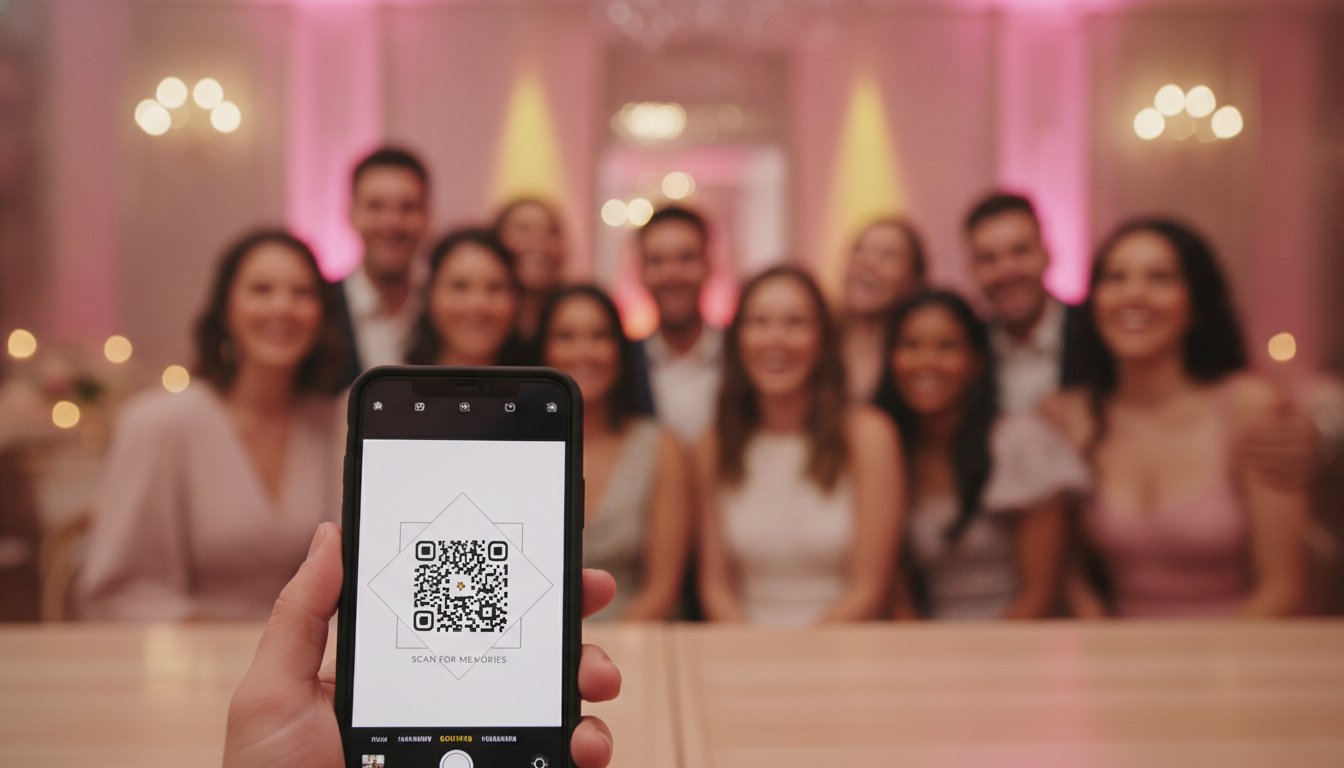
A QR photo code is an app-free gateway to instant media collection, acting as a digital bridge between your physical event and a shared cloud album. It eliminates the friction of manual requests by allowing guests to upload original-resolution files directly from their phone's native camera to a private gallery.
Think of it as a direct line from your guest's lens to your personal archive. Using a qr code to send photos allows you to bypass the technical hurdles that usually stop people from sharing. Guests simply point their phone, tap a notification, and select their best shots. Point, tap, upload.
How the technology works in 2026
The tech behind these squares has matured significantly. If you're wondering, What is a QR code?, it's essentially a machine-readable optical label. In 2026, the standard is the dynamic QR code. Unlike static codes, dynamic links allow you to change the destination gallery even after you've printed your physical signage.
We've also moved firmly into the browser-based era. Guests expect to upload via the mobile web, not by cluttering their phones with single-use apps. This approach prioritises a friction-free experience while maintaining strict privacy controls to keep your gallery secure from unwanted eyes.
Why traditional photo sharing is broken
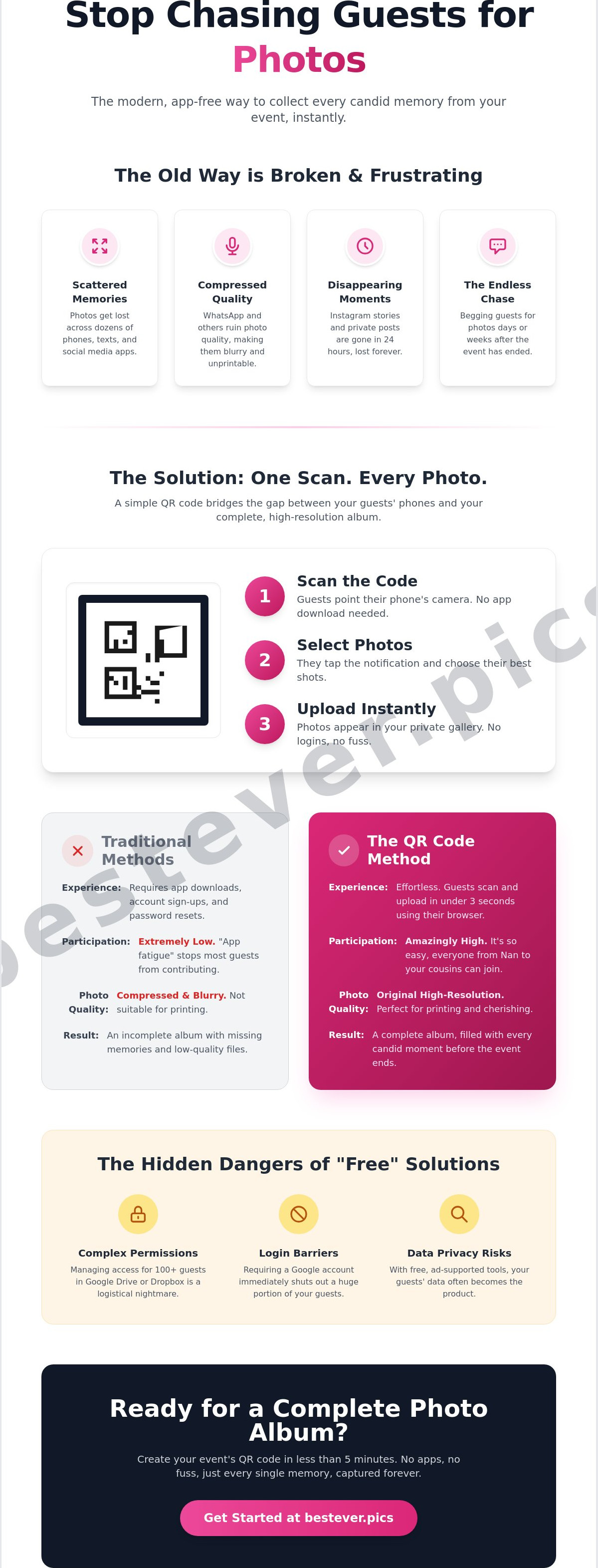
Legacy sharing methods are riddled with compromises. WhatsApp is a major offender because it uses aggressive compression to save data; this ruins the quality of your professional-grade phone photos. You end up with blurry files that look terrible when printed.
Social media is another trap. When a guest posts a highlight to their private Instagram story, it disappears in 24 hours. Using a dedicated QR system solves this by collecting everything in one central hub before the night even ends.
Why app-free photo sharing beats traditional methods
App fatigue is a documented reality for modern event guests. Most people simply won't download a single-use app just to share a few snaps from a wedding or a corporate lunch. Industry professionals report that a significant majority of guests will ignore a photo-sharing request if it requires a trip to the App Store. It's a massive barrier that stops your gallery from growing before it even starts. By using a qr code to send photos that works directly in the mobile browser, you remove the friction entirely and keep the momentum of the party alive.
Login screens are the second silent killer of guest participation. If a guest has to remember their Google password or link their Facebook account just to upload a photo, they'll likely give up. You want instant gratification, not a password reset loop. When the process is browser-based, guests see their photos appearing in the gallery immediately. This creates a feedback loop of excitement that encourages others to contribute. This level of accessibility ensures your Nan can contribute her favourite shots just as easily as your tech-obsessed teenage cousin.
The hidden cost of "free" solutions
It's tempting to use a shared Google Drive or Dropbox folder, but these "free" tools aren't built for high-energy events. They're built for static document storage. Managing permissions for 100 different guests is a logistical nightmare you don't need on your big day. Even worse, Google often requires a Gmail login to upload files, which immediately shuts out any guest without an account. You should also consider the security issues with QR codes when using generic, ad-supported generators. On those platforms, your guests' data often becomes the product, which is a trade-off most hosts want to avoid.
The Bestever.pics advantage: Speed and simplicity
Guest engagement follows the three-second rule. If it takes longer than three seconds to start the upload, you've already lost their attention. An insider observation from hundreds of events is that if guests don't upload while they're still at the venue, they rarely do it once they get home. The most effective qr code to send photos is one that works instantly in the moment. Bestever.pics streamlines this into a rapid scan, select, and upload workflow. There's no registration required and no personal data harvested. It’s the inevitable evolution of the digital guestbook, designed to capture every candid moment without the technical overhead. If you're planning a celebration, choosing a private wedding photo gallery ensures your memories are collected with zero fuss and maximum participation.
How to create a QR code for your event photos
Setting up a qr code to send photos takes less than five minutes when you follow a structured approach. It transforms your physical event space into a live digital archive without any technical hurdles. Follow these steps to get your gallery ready for your next Hen do or village fete.
- Select a platform: Choose a service that allows guests to upload directly via their mobile browser to avoid app fatigue.
- Create your gallery: Name your private event and add a personalised welcome message for your guests.
- Customise the branding: Upload a cover photo or logo that matches your wedding or corporate event style.
- Generate the code: Download your QR code in a high-resolution SVG or PNG format for professional printing.
- Test the flow: Scan the code with both iPhone and Android devices to ensure the upload process is smooth.
Professional setup tips
Naming your gallery clearly helps guests feel confident they're in the right place the moment they scan. Because QR codes are two-dimensional codes, they can hold all the data needed to direct guests straight to your upload page. A quick dry run with a few test photos ensures that the [LINK: how it works] process is flawless before the first guest arrives.
Managing your digital album
A great gallery needs active management to keep the quality high. You can enable moderation to review every shot before it goes live on a venue screen, which is a lifesaver for family-friendly weddings. Don't forget to enable video uploads to capture heartfelt speeches and dancefloor clips. Organising your media into folders for the ceremony and reception makes it much easier to find those specific highlights later on.
Creative ways to display your photo sharing QR code
Visibility is your most powerful tool for driving guest engagement. You've set up your digital hub, but now you need to ensure your guests actually use the qr code to send photos throughout the event. Adoption happens when the technology meets the guest where they are already looking. Whether it's a formal wedding reception or a high-energy corporate bash, your placement strategy determines the volume of memories you'll collect. You want to make sharing the most natural action in the room.
Table talkers remain the gold standard for sit-down dinners. These small, elegant cards sit right next to the menu, giving guests a clear instruction during those quiet moments between courses. It's a low-pressure way to invite participation. For larger corporate functions or awards nights, digital displays are the inevitable choice. Rotating a large-scale QR code on TV screens or projectors keeps the call to action fresh and impossible to miss. It transforms a static background into an interactive element of the evening.
Don't stop at the tables. Incorporate your code into personalised signage like the bar menu or the seating chart. People spend a lot of time looking at these items, making them prime real estate for your gallery link. Here is an insider observation: place a QR code near the exit. Guests often take their best "end of night" selfies while waiting for a taxi or an Uber. Catching them in that final moment ensures you capture the raw, unfiltered joy of the evening before they head home and forget to share.
Wedding-specific display ideas
Start the collection process early by including the code on your Order of Service. This gets guests involved from the first "I do" and sets the tone for the rest of the day. You can even gamify the experience with a "Photo Challenge" card. Ask guests to hunt for specific moments, like the best dancer or the funniest toast. This creates a more interactive modern wedding photo sharing experience that goes beyond simple snapshots. If you want to ensure your big day is fully documented with zero friction, setting up a private wedding photo gallery is the smartest move you can make.
Corporate and community event placement
For professional gatherings, lanyards and badges are incredibly effective. Making photo sharing part of the networking experience ensures that every attendee has the qr code to send photos literally hanging around their neck. Entry banners are also vital for setting the expectation for participation the moment someone walks through the door. At community events like village fetes or local sports club footy finals, use high-traffic kiosks. Posters near the food stalls or the trophy presentation area will capture the local spirit and ensure those community milestones aren't lost to private phone galleries.
Why Bestever.pics is the smartest choice for your gallery
Bestever.pics isn't just another tech platform; it's a family-run solution born from a genuine love for events. The father-daughter team behind the tech built this specifically to solve the frustration of lost memories. When you use our qr code to send photos, you aren't just getting a link. You're getting a commitment to high-resolution quality and a platform that stays app-free forever. We believe your gallery should never have a ceiling. That's why we offer unlimited photo storage, ensuring you never hit a cap in the middle of a high-energy dancefloor session.
Every image uploaded is available for high-resolution download later. This makes it the perfect foundation for printing a physical album that looks just as sharp as the digital version. Many traditional sharing methods compress your files until they're unusable for printing. We don't. We preserve the original quality of every shot. It's about professional-grade output with extreme accessibility.
Standard vs. Pro: Finding your fit
Our Standard package is the perfect one-off solution for milestones like weddings, birthday parties, or a local footy final celebration. It’s designed for the host who wants a simple, powerful way to gather memories without any recurring costs. For businesses, wineries, or corporate groups running three or more events a year, our Pro subscription is the inevitable next step. Wineries like McCaffrey's Winery can use Pro to drive attendee engagement and build a library of authentic social assets. The Pro version shifts the focus toward long-term value and community building, making it more than just a storage tool.
Real-world success stories
Venues and event planners use Bestever.pics to provide an immediate "wow" factor for their clients. It allows them to capture the raw, candid moments that even the best professional photographers might miss while they're focused on the formal shots. By providing a qr code to send photos at every table, you're crowdsourcing a diverse perspective of your event that feels authentic and human. An insider observation from our most successful events is that the best shots often come from the guests who aren't usually in the spotlight. It’s about more than just logistics; it’s about the creative freedom to see your event through the eyes of every guest.
Ready to start? Create your private event photo gallery with Bestever.pics.
Capture every memory before the night ends
Start your Bestever.pics gallery today and watch your album fill up in real time. Your future self will thank you for saving every candid moment in its best possible light. Let's make your next celebration truly unforgettable.
Frequently Asked Questions
Do guests need to download an app to send photos via QR code?
No, guests don't need to download anything to share their memories. When you set up a qr code to send photos with Bestever.pics, the link opens directly in their phone's native mobile browser. This removes the irritating friction of app stores and account logins. It ensures everyone from your Nan to your tech-savvy cousin can participate instantly without any technical hurdles or delays.
Is there a limit to how many photos guests can upload?
We don't believe in putting a cap on your creative freedom or your event's documentation. Bestever.pics offers unlimited photo storage, so you never have to worry about hitting a limit in the middle of a high-energy party. Whether you're hosting 50 guests or 500, every candid moment is captured and stored in high resolution without the anxiety of hitting a storage tier.
Can I see the photos before they are added to the public gallery?
Yes, you have total control over what appears in your shared album. Our moderation feature allows you to review and approve every image or video before it's visible to other guests. It's a vital tool for weddings or corporate events where you want to maintain a curated, family-friendly atmosphere on your live display. You can filter out the blurry shots and keep only the highlights.
Will the QR code work for guests with older smartphones?
The technology is built for maximum accessibility across almost all modern devices. As long as a guest has a smartphone with a working camera and a mobile web browser, the qr code to send photos will function perfectly. Even older handsets can usually scan these codes using the native camera app or a standard built-in scanning tool without any issues at all.
How long does the digital photo gallery stay active after the event?
Your gallery remains active long after the last guest has headed home for the night. While specific durations depend on whether you choose a Standard or Pro plan, we ensure you have ample time to download your high-resolution files for printing. Pro users benefit from non-expiring galleries, providing a permanent digital home for your event's most valuable social assets and memories.
Can guests upload videos as well as photos?
Absolutely, because some memories need more than a static image to capture the vibe. Guests can upload video clips directly through the same interface used for photos. It’s the best way to save heartfelt speeches, dancefloor highlights, or quick video messages from friends at your Hen do or village fete. You'll get the full experience of the day in motion.
Is it possible to password-protect my shared photo album?
Privacy is a core part of our platform's design. You can easily add a password to your gallery to ensure only invited guests can view or download the media. This keeps your private moments away from public search engines and uninvited eyes while still allowing for rapid, app-free uploads for everyone in the room. It balances security with extreme accessibility for your guests.


